The Value Of Commenting On A Blog.

Something many people don’t understand is the value of leaving a comment on a blog.

blogging

It’s easy to read a post and move on, and even easier to like a blog post without reading it.

But stop and think for a moment. How much more valuable to the writer, and other readers, if you actually bothered to respond. Isn’t that what you’d hope for when writing your next blog post? Nobody wants to invest time in writing something that people are just going to skim over.

Not only that, but you will gain more from the post and from the interaction with others than you realise.

You might gain new ideas or perspectives, or you might just end up feeling a little better about life.

It doesn’t have to be a long or complicated post. Even just saying “thank you” or “I liked this!” does the trick.
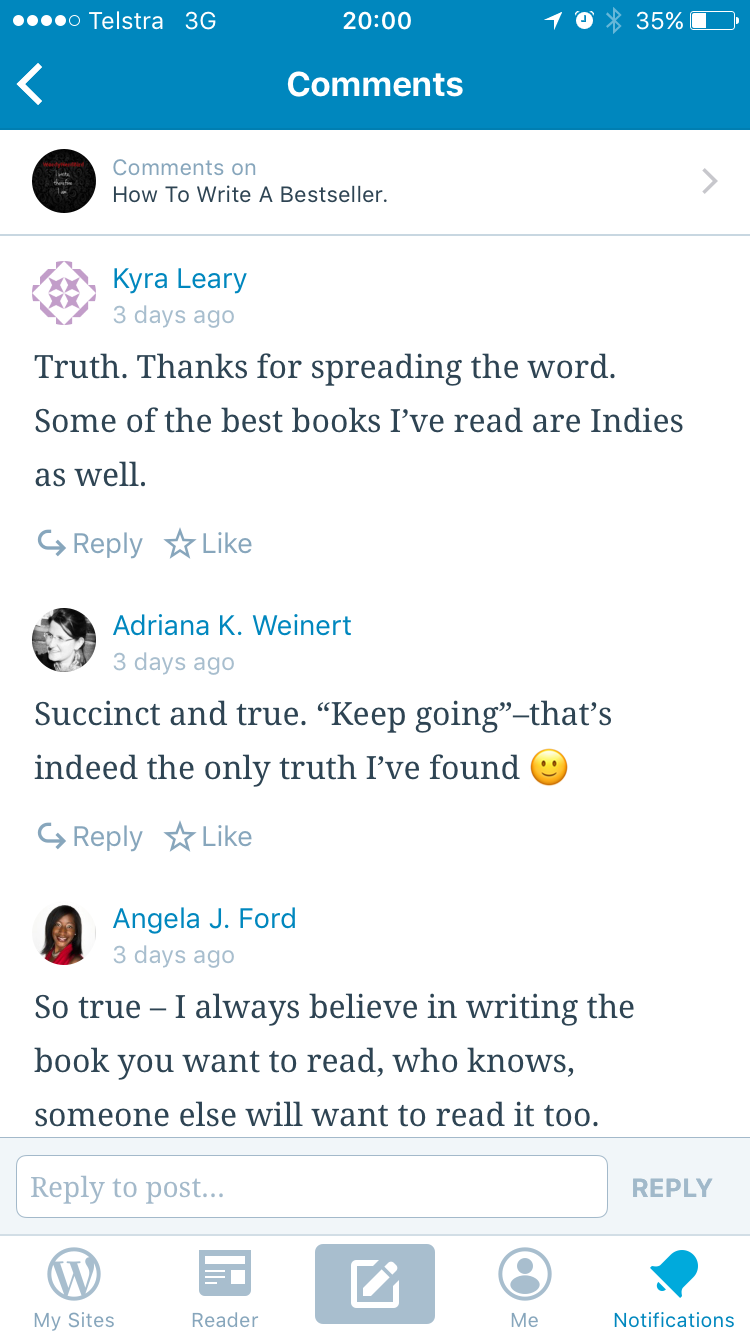
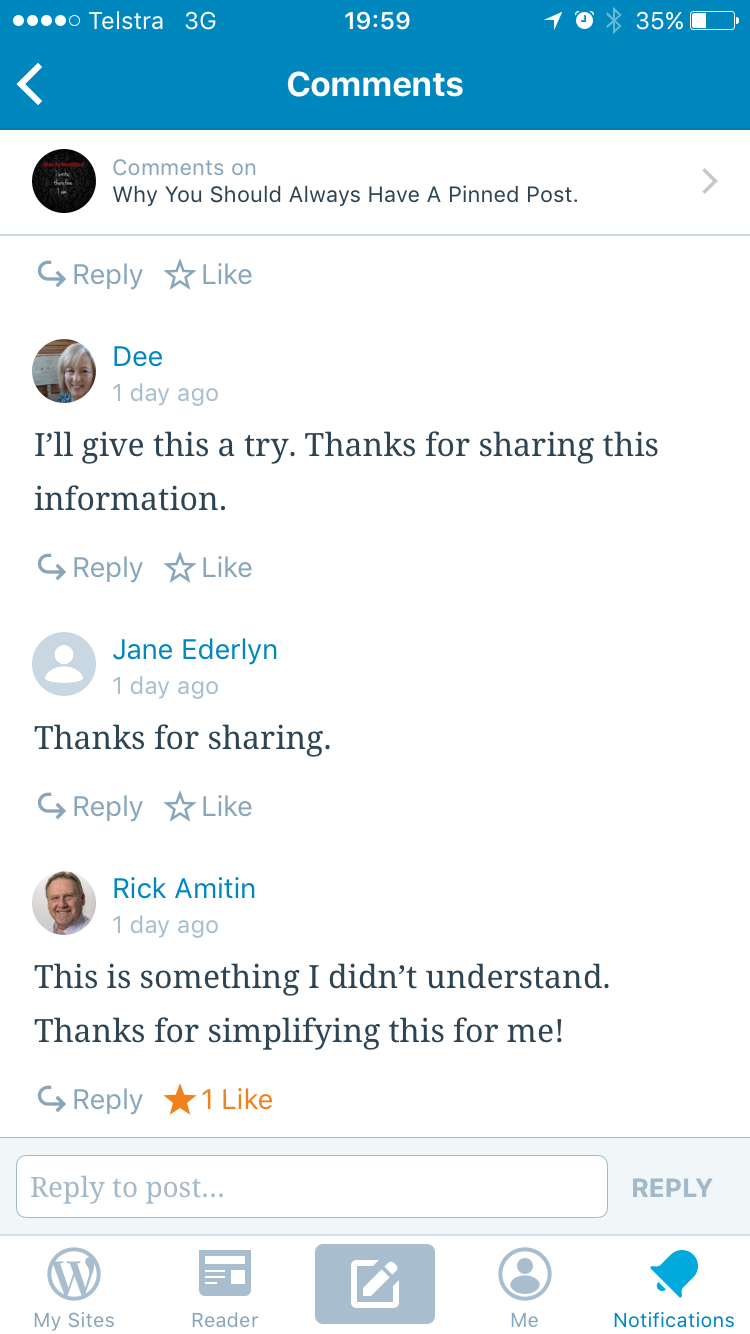
However, commenting on a blog post is more useful than just propping up the ego of some blogger who hopes to be discovered one day.

Leaving a comment on a blog post doesn’t have to take more than five seconds, but it can make a huge difference to the blogger by helping them, and whatever they have to say, to become more “discoverable”. 

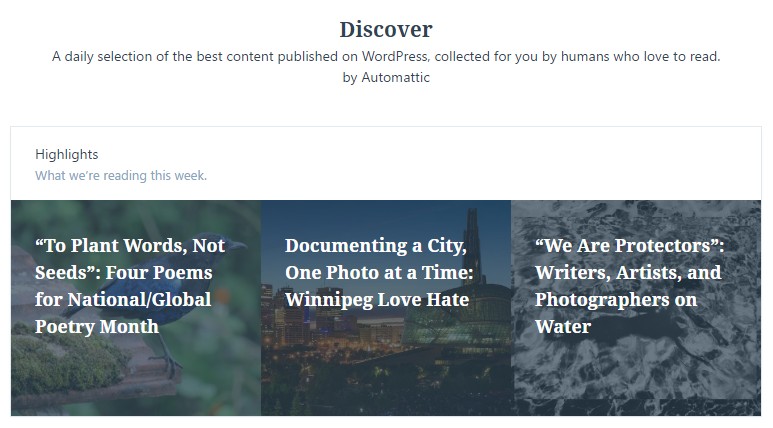
Leaving a comment on a blog directly affects the ranking and therefore the visibility of that blog on both the platform – such as WordPress or Blogger – and consequently on the web. Rankings and visibility affect which posts are chosen to be featured on the highlights pages of blogging platforms, such as the ‘Discover’ page on WordPress which pick up the posts that have had the most interaction and engagement, not just the ones with the most likes or views.
ScreenHunter_411 Apr. 09 19.40

One of the author support groups on Facebook to which I belong has been conducting an experiment over the past few weeks. We’ve made a deliberate effort to read, like and comment on a selected blog post by each of the others.

Those posts have consistently attracted more viewers beyond that initial group. These new viewers also seem more willing to read, like, and comment. This boosts the visibility of the individual post and of the blog overall, and helps to attract even more viewers.

In short, it’s a highly valuable snowball effect in drawing attention to both the post and the blog. 

Let’s face it. That’s a pretty cool thing to be able to do for someone.

Leave a comment and let me know what you think!

Why You Should Always Have A Pinned Post.

Whether on Twitter or Facebook, or any other social media where you can pin a post, you should.

Frankly, I’m surprised
at how many people don’t.

Whether on Twitter or Facebook, or any ScreenHunter_411 Apr. 07 15.29
other social media where you can pin a
post, you should.  Frankly, I’m surprised
at how many people don’t.

Here’s why.

It is an immediate way for people to see what you’re about – your book, your favourite charity, an upcoming event, social justice issues, whatever it is. 

It also serves as an easy way for people to share your posts and get your message out to even more people. Some of those people will share your interest, and either share your post or follow you. Some will do both. 

In short, it’s a great way to get more attention with minimal effort. 

If you have a good number of new followers on a regular basis, you can change your pinned post each week or each month to give followers and “click-throughs” something new to share on your behalf. 

It’s also a great way to get feedback on the effectiveness of your post.

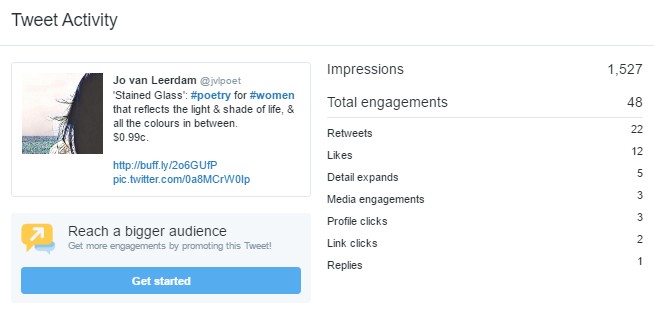
The stats at the bottom of a pinned tweet tell me how many replies, shares and likes that post has had. Clicking on the little graph icon at the far right gives you even more detail about how far your post has travelled.

ScreenHunter_411 Apr. 07 15.32

It can get you more followers and more shares. 

There’s another thing to consider, too. If people click through to your profile and all you have is shares or retweets, they can easily decide you don’t have original thoughts to share and lose interest. Given that they’ve been interested enough to click through to your profile, that’s probably a bunch of shares and prospective followers that you’ve missed out on. 

To pin a post is easy.

On both Twitter profiles and Facebook pages, each post has a little down arrow at the top right-hand side. Click that, and choose “pin etc”.

That will remain your pinned post, and always appear at the top of your profile, until you choose to pin something else there. 


Welcome!

Find all my book details, new writing and more at my website: www.jvlpoet.com

Click to follow me on:
Facebook
twitter 
Instagram
tumblr
Goodreads

Sign up for my email newsletter and I’ll deliver lovely bookish WordyNerdBird emails into your inbox no more often than twice a month!